Disable a Device Manager Service
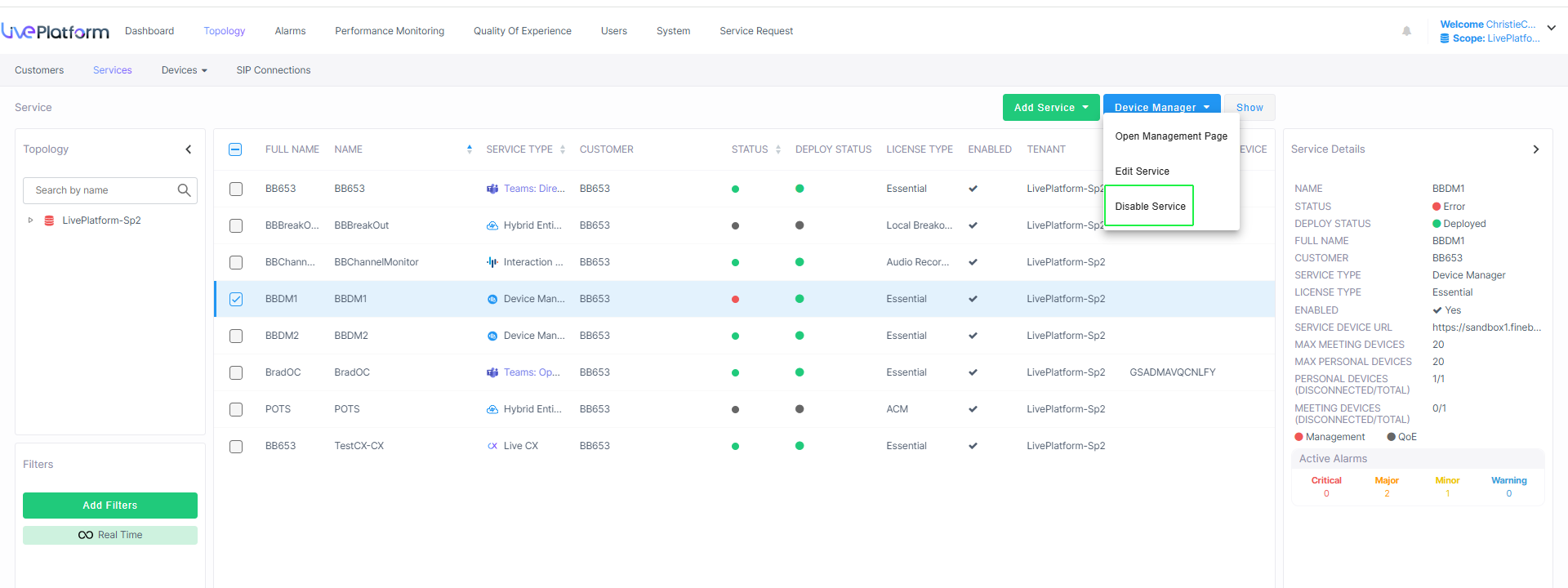
You can optionally disable a Device Manager service. Disabling a service prevents the service from managing endpoints that are attached to the service. The feature is typically used as one stage before removing the service, to stop the service's devices from popping up for admin to be able to delete the service.
| ➢ | To disable a customer: |
| 1. | From the Customer Actions drop-down list, select Device Manager > Disable Service. |
| 2. | View this confirmation prompt. |

| 3. | Click Disable to confirm. |